ASO Techniques: How to Use Keywords to Optimize Your App's Name and Subtitle to Get More Downloads
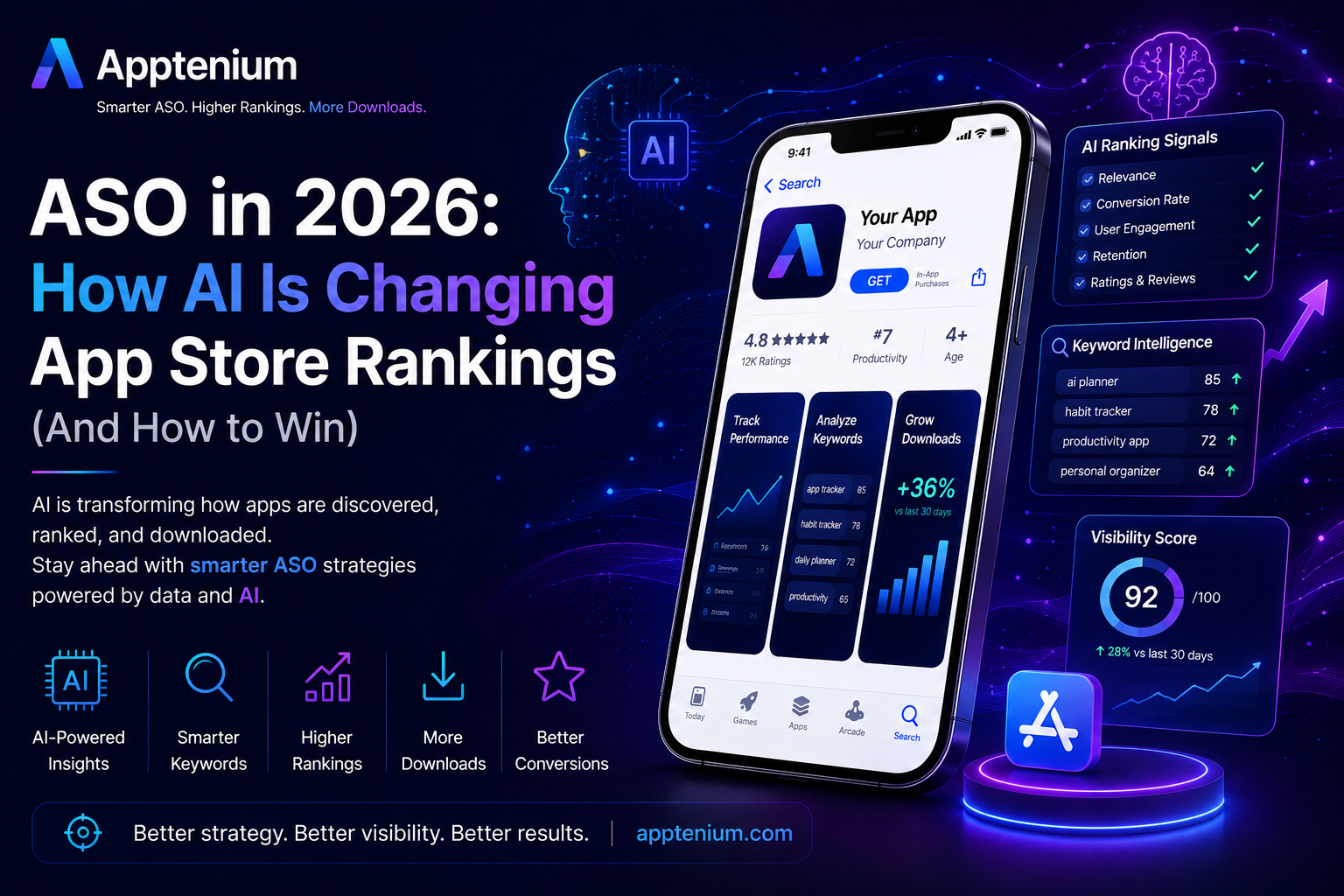
Welcome to this week’s deep dive into one of the most impactful yet often overlooked aspects of app marketing: App Store Optimization, or ASO. If you’ve ever wondered why some apps seem to magically rise through the ranks while yours feels stuck in the trenches, chances are it’s all about how well you’ve mastered your keywords, especially in your app’s name and subtitle. Today, we’re unpacking practical strategies to harness keywords that can boost your app’s visibility and, ultimately, its download numbers.
Think of your app’s name and subtitle as its shopfront window. It’s the first thing potential users see when browsing the app store. A catchy name grabs attention, but sprinkle in the right keywords, and you’re giving your app the twin powers of appeal and discoverability. Let’s explore how to strike that balance without sounding like a robot stuffing keywords.
Why Focus on the Name and Subtitle?
Apple and Google’s app stores prioritize keywords in these two fields more than anywhere else, including the longer description. This means they carry extra weight when the store’s algorithm decides which apps to show for a given search query. Unfortunately, most developers bury keywords deep in descriptions or metadata, missing out on the big SEO payoff. Your app name and subtitle are prime real estate—don’t leave them empty or vague.
Tips for Using Keywords Effectively in Your App’s Name
Keep it concise and memorable: Your app’s name should be easy to read and recall. Including keywords is good, but don’t turn your title into a laundry list of search terms.
Prioritize relevance: Choose keywords that genuinely describe what your app does. Think like a user: what words would you type when looking for a solution that your app provides?
Use primary keywords naturally: Instead of “Budget Tracker Expense Manager Save Money,” try “Budget Buddy: Expense Tracker.” It’s clearer, friendlier, and still packs those important keywords.
Research your competition: Check out top-ranking apps in your category. What keywords do they use? Where can you find gaps or niches?
Optimizing the Subtitle: Your Secret Weapon
The subtitle sits right under your app name and serves as a quick teaser or value proposition. It offers extra space for keywords while also convincing the user why they should download your app.
Highlight key features or benefits: Short phrases like “Track expenses fast” or “Meal planning made easy” tell users what they gain instantly.
Integrate secondary keywords: Use this real estate to add relevant keywords you couldn’t fit in the title.
Keep it compelling and readable: The subtitle shouldn’t just be a keyword dump. Aim for something punchy that complements the main title.
Test and tweak: Because the subtitle influences click-through rates, don’t be shy about experimenting with different keywords and messaging.
Bonus Tips for Keyword Research
Before you edit your app’s name and subtitle, do some legwork:
Use ASO tools: Platforms like App Annie, Sensor Tower, or even free ones like Keyword Tool can help you discover what search terms matter most.
Analyze user reviews: Discover common phrases or pain points your users mention; these can inspire fresh keyword ideas.
Think seasonally and locally: Tailor your keywords for trends or specific regions if your app targets niche audiences or events.
Final Thought
Optimizing your app’s name and subtitle with carefully chosen keywords isn’t just a game of stuffing words—it’s about creating an inviting, clear, and discoverable identity that resonates with your audience and the app store algorithm alike. Put in the effort upfront, keep testing, and watch as more users click “download.”
Next week, we’ll explore how to leverage user reviews and ratings to further enhance your app’s visibility and credibility. Until then, keep refining your ASO strategy and remember—you’re building more than an app; you’re opening a door to new possibilities for your users.
Happy optimizing!