App Store Screenshot Optimization: Increase Downloads Fast
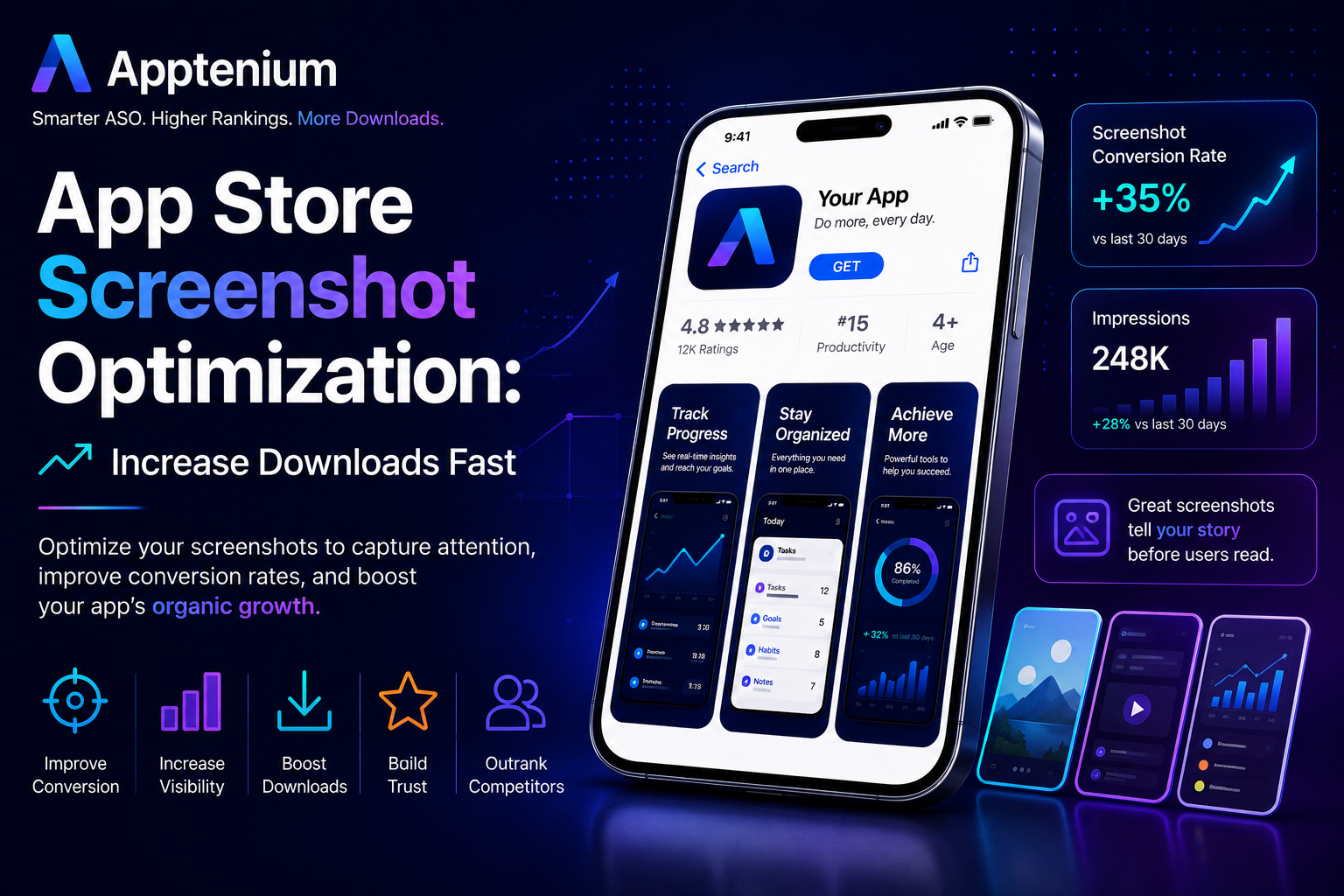
n today’s competitive app ecosystem, getting visibility is only half the battle. The real challenge? Turning impressions into installs. That’s where App Store screenshot optimization becomes one of the most powerful levers in your App Store Optimization (ASO) strategy.
In 2026, platforms like Google Play and Apple App Store rely heavily on conversion signals to determine rankings. That means your screenshots don’t just influence downloads—they directly impact how high your app ranks.
If you want to increase app downloads fast, optimizing your screenshots is one of the quickest wins available.
🚀 Why App Store Screenshots Matter More Than Ever
Your screenshots are often the first real interaction users have with your app. Before reading your description or reviews, users scan visuals to decide if your app is worth their time.
Modern ASO algorithms track:
Screenshot scroll behavior
Time spent viewing visuals
Tap-to-install conversion rates
👉 Translation: Better screenshots = higher conversions = better rankings.
🧠 The Psychology Behind High-Converting Screenshots
Users make decisions in seconds. Your screenshots need to communicate:
What your app does
Why it matters
How it helps
The most effective screenshots focus on outcomes, not just features.
Instead of saying:
“Secure password storage”
Say:
“Keep all your passwords safe in one place”
👉 Show the benefit, not just the function.
📱 The High-Converting Screenshot Formula
Follow this proven structure:
1. Hook (First Screenshot)
This is your most important asset.
It should:
Grab attention instantly
Highlight your core value
Use bold, simple text
Example:
“Sell Anything in Seconds”
“Your Passwords, Secured Everywhere”
2. Value Proposition
Show what makes your app unique:
Faster
Safer
Easier
Keep messaging short and scannable.
3. Feature Highlights
Demonstrate key features visually:
Autofill
Chat
Secure vault
Location-based listings
4. Social Proof or Trust Signals
Build confidence with:
“Trusted by 1M+ users”
Security badges
Ratings
5. Closing Screenshot (CTA)
End with a strong reason to install:
“Download Now”
“Start Selling Today”
🎨 Design Best Practices for 2026
Keep It Simple
Avoid clutter. One message per screenshot.
Use Bold, Readable Text
Most users skim quickly—make text easy to read on small screens.
Show Real UI
Users want to see how the app actually works.
Optimize for Mobile Viewing
Design for vertical scrolling and small displays.
Stay Consistent
Use consistent colors, fonts, and layout across all screenshots.
📈 How Screenshot Optimization Impacts Rankings
AI-driven systems now factor in:
Conversion rate improvements
Engagement with visuals
Install behavior
If your screenshots increase installs, your app becomes more competitive in search rankings.
👉 This creates a powerful loop:
Better screenshots → more installs → higher rankings → more visibility → more installs
🔁 A/B Testing Your Screenshots
Top apps continuously test variations to improve performance.
Test elements like:
First screenshot messaging
Color schemes
Text overlays
Feature order
Even a 5–10% increase in conversion rate can significantly impact your growth.
⚠️ Common Screenshot Mistakes
Avoid these pitfalls:
Too much text
Generic messaging
No clear value proposition
Overly complex designs
Ignoring the first screenshot
👉 If users don’t understand your app in 3 seconds, you’re losing installs.
🛠️ Pro Tips to Increase Downloads Fast
Focus heavily on the first screenshot
Use emotional triggers (speed, security, ease)
Highlight outcomes, not features
Align screenshots with your keywords
Update regularly based on performance
🎯 Final Thoughts
App Store screenshot optimization is one of the fastest ways to increase downloads without changing your app itself.
In 2026, ASO success is driven by:
Conversion rate
User engagement
Visual clarity
If your screenshots clearly communicate value and resonate with users, you’ll not only boost installs—you’ll improve your rankings as well.
🚀 Next Steps
To maximize results:
Combine screenshot optimization with strong keyword strategy
Improve retention to sustain rankings
Continuously test and iterate
Master your visuals, and you’ll unlock one of the most powerful growth levers in ASO today.