ASO Keyword Research: Rank Higher and Get More Installs

Start with a 30-minute seed-and-opportunity scan using an ASO keyword tool. That single step focuses your limited metadata space on terms where real demand meets beatable competition, which is exactly how apps climb from buried to visible in U.S. store search results.
The process works because both the App Store and Google Play index specific metadata fields: the app name, subtitle, and keyword field on iOS; and the title, short description, and full description on Android. Every character in those fields is a ranking signal. Wasting them on guessed terms or internal jargon costs you installs you would otherwise earn organically.
Three tools anchor a reliable workflow: Apptenium for AI-powered keyword suggestions and opportunity scoring; Apple App Store Connect for impression and conversion data; and Firebase for post-install retention measurement.
Apptenium handles seed generation, competitor scans, and rank tracking in one place.
Apple App Store Connect surfaces impression volume, tap-through rate, and store conversion rate for iOS.
Firebase connects install events to downstream retention, so you know whether a keyword brings users who stay.
Pro Tip: Run your first scan before touching any metadata. Baseline data is the only way to measure whether a change actually worked.
Key Takeaways
Effective ASO keyword research requires scoring candidates on popularity, difficulty, traffic potential, and opportunity, then placing the top terms in the highest-weight metadata fields and measuring results with App Store Connect, Google Play Console, Firebase, and Google Analytics.
PointDetailsScore on four metricsRate every keyword on popularity, difficulty, traffic potential, and opportunity before shortlisting.Prioritize metadata placementPut your top keyword in the app name or title; it carries the most ranking weight in both stores.One change per experimentChanging multiple fields at once makes it impossible to know what drove a ranking shift.Connect installs to retentionUse Firebase to verify that ranked keywords attract users who stay, not just users who install.Apptenium accelerates the cycleApptenium’s AI scoring, metadata editor, and Firebase integration compress the full workflow into a single platform.
Table of Contents
How do you score and prioritize keywords you should actually track?
How do you test keyword changes and measure what actually worked?
When should you do keyword research yourself vs. use a platform?
What does ASO keyword research involve, step by step?
App keyword research is the process of discovering, scoring, and prioritizing the search terms people type into the App Store and Google Play, then placing the right ones in your metadata. A good process turns store search into a repeatable system: collect, score, place, test, and iterate.

Your 30-minute checklist
Run this once before your next metadata update.
(5 min) Build a seed list. Write down your app’s core value proposition in plain language. Add synonyms, feature names, and use-case phrases. Aim for 10-15 terms.
(5 min) Check store autosuggest. Type each seed into the App Store and Google Play search bars. Note every autocomplete suggestion. These are real user queries.
(10 min) Scan three competitors. Pull the title, subtitle, and visible description of your top three rivals. Highlight terms you are not using.
(5 min) Score and shortlist. Rate each candidate on popularity and difficulty. Pick the five with the best opportunity score.
(5 min) Add to tracking. Enter those five keywords into your rank tracker so you have a baseline before any metadata change.
At the end of this session you have a tracked list of five priority keywords and a clear next step: either update one metadata field or set up an A/B experiment.
Pro Tip: Timebox each task strictly. Keyword research expands to fill whatever time you give it. Thirty minutes is enough to make a real decision.
How to build a prioritized keyword list from scratch
The one-sentence summary: collect broad seeds, score each candidate on four metrics, shortlist the top performers, place them in metadata, then measure and repeat every four to six weeks.
The four scoring metrics
Score every candidate keyword on these dimensions, as defined in the step-by-step keyword research process:
Popularity (search frequency proxy, 1-10 scale): how often users search this term.
Difficulty (competition, 1-10 scale): how hard it is to rank, based on the strength of current top results.
Traffic potential (estimated installs if ranked): a relative estimate, not an exact figure.
Opportunity score (balances traffic and difficulty): surfaces terms where demand is real but competition is beatable.
Sample scoring table
Terms with an opportunity score of 7 or higher are your shortlist. Long-tail phrases like “daily spending tracker” often outperform head terms for new apps because they convert better and are easier to rank for.
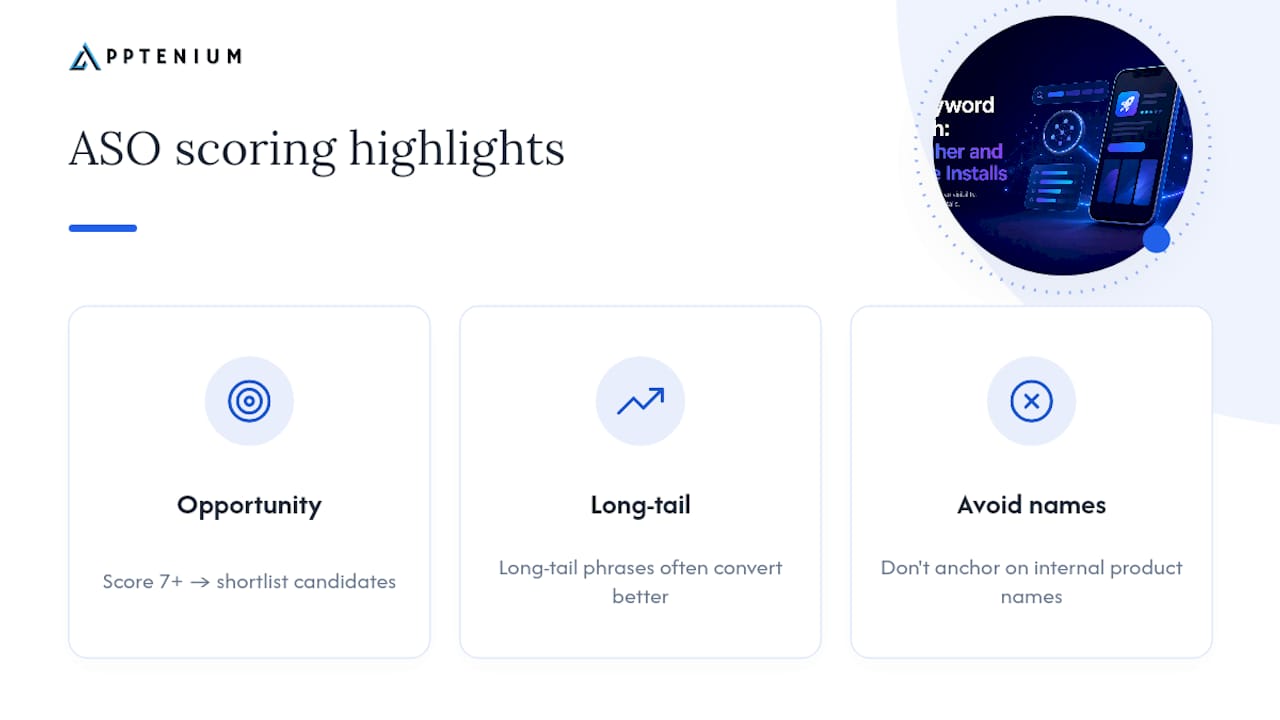
Pro Tip: Avoid anchoring on your internal product names. Users search for what they want to do, not what you call your features.
Where do you find keyword ideas for your app?
Every reliable source maps to a different layer of user intent. Use all of them.
Store autosuggest. Type partial queries into the App Store and Google Play search bars. Each suggestion is a real, indexed search term. Work through your seed list systematically and record every autocomplete result.
Competitor metadata. Read the titles, subtitles, and descriptions of your top five rivals. The terms they repeat across multiple fields are almost certainly indexed and driving installs.
User reviews. Search your own reviews and your competitors’ for the words users choose to describe the problem your app solves. Firebase event logs and in-app search queries surface the same language from users already inside your product.
Search ad query reports. If you run Apple Search Ads or Google UAC campaigns, your search term reports show exactly what users typed before tapping your ad. These are high-intent, conversion-tested terms.
Category and top-charts metadata. Browse the top 10 apps in your category. Their titles and subtitles reflect what the store algorithm currently rewards.
Social and web search trends. Google Trends and Reddit threads in your app’s niche reveal seasonal spikes and emerging vocabulary before they appear in store autosuggest.
Country behavior changes difficulty and intent. A term that ranks easily in a smaller market may be brutally competitive in the U.S. Always filter your research to the U.S. store when that is your primary market.
Key insight: The gap between how your team describes your app and how users search for it is where most keyword opportunities hide. User reviews close that gap faster than any other source.
How do you score and prioritize keywords you should actually track?
Move from raw candidates to a ranked shortlist using the four-metric scoring framework above. Here is how to apply it in practice.
Score every candidate on popularity (1-10) and difficulty (1-10).
Estimate traffic potential: high, medium, or low relative to your category.
Calculate opportunity: roughly, opportunity = popularity minus difficulty, adjusted upward for low competition and high conversion intent.
Rank by opportunity score. Shortlist the top 5-10 terms.
Track no more than 20-30 keywords at a time. More than that and you lose the signal in the noise.
Re-score every four to six weeks, or after any major app update.
Pro Tip: Put your highest-opportunity term in the app title or name. That field carries the most ranking weight in both stores, and most developers underuse it.
Where exactly should you place keywords in your metadata?
iOS (App Store Connect)
App name (30 characters): Place your single most important keyword here. The name field has the highest ranking weight.
Subtitle (30 characters): Use your second-priority keyword cluster. Do not repeat terms from the name.
Keyword field (100 characters): List additional terms separated by commas, no spaces. Do not repeat any term already in the name or subtitle. The store deduplicates automatically, so repetition wastes space.
Google Play Console
Title (30 characters): Lead with your primary keyword. Play’s algorithm weights the title heavily.
Short description (80 characters): Write a natural sentence that includes your second-priority term. Play indexes this field for search.
Full description (4,000 characters): Use your keyword naturally two to three times in the first 250 characters. Play’s indexing favors early placement and natural language over repetition.
Dos and don’ts: never stuff a field with comma-separated keywords on Play (it reads as spam and Play may penalize it), never use punctuation tricks to squeeze extra terms into the iOS keyword field, and always write for conversion intent first. A title that ranks but does not convert is a wasted ranking.
Pro Tip: Check your top-performing apps in your category to see which metadata patterns the store currently rewards before finalizing your own fields.
How do you test keyword changes and measure what actually worked?
Run controlled experiments and track five metrics: impressions, tap-through rate (CTR), store conversion rate, installs, and 7-day or 30-day retention.
Record your baseline. Before any change, note current rank, impressions, and conversion rate for each target keyword in App Store Connect or Google Play Console.
Change one field at a time. Altering the title and the keyword field simultaneously makes it impossible to know which change drove the result.
Wait for reindexing. iOS typically reindexes within one to three days of a metadata update. Google Play can take up to seven days. Do not evaluate results before reindexing completes.
Run the experiment for at least two weeks. Short windows produce noisy data, especially for lower-volume keywords.
Connect installs to retention via Firebase. An install spike that does not show up as retained users in Firebase suggests the keyword attracted the wrong audience.
MetricWhere to find itWhat it tells youImpressionsApp Store Connect / Play ConsoleKeyword is ranking and visibleTap-through rateApp Store Connect / Play ConsoleListing is compelling to searchersStore conversion rateApp Store Connect / Play ConsolePage converts browsers to installers7-day retentionFirebase / Google AnalyticsKeyword attracted the right users30-day retentionFirebase / Google AnalyticsLong-term audience quality
For teams building reliable measurement pipelines, efficient analytics instrumentation reduces noise in install and retention data, making it easier to attribute lift to a specific keyword change rather than to unrelated factors.
What keyword mistakes will quietly kill your rankings?
Keyword stuffing. Repeating the same term across multiple iOS fields wastes your 100-character keyword budget. The store only counts a term once regardless of how many times it appears.
Chasing head terms only. High-popularity terms are dominated by well-funded apps with thousands of reviews. New and mid-size apps rank faster and convert better on specific, use-case terms.
Ignoring conversion intent. A keyword that drives impressions but not installs is a ranking that costs you nothing and earns you nothing. Always check whether ranked terms convert.
Changing multiple fields at once. You cannot isolate what worked. One change per experiment cycle.
Not tracking results. Without a baseline, you cannot tell whether a metadata update helped, hurt, or did nothing.
Pause and re-evaluate your keyword strategy when impressions rise but installs stay flat (a conversion problem, not a ranking problem), or when rank improves but retention drops (a targeting problem).
Pro Tip: If your store conversion rate falls after a keyword change, the new term is attracting users who do not want what your app actually delivers. Revert and try a more specific term.
How Apptenium fits into this workflow
Apptenium supports every step of the methodology described above, from seed generation to post-install measurement.
Keyword explorer: generates seed candidates and surfaces opportunity scores so you can shortlist in minutes rather than hours.
Competitor intelligence: scans rival metadata and highlights terms you are not using.
Metadata editor: lets you draft and preview App Store and Google Play fields with character-count validation before you push changes.
Rank tracking: monitors keyword positions daily so you catch ranking shifts as they happen.
Firebase and Google Analytics integration: pulls install and retention data into the same dashboard as your keyword ranks, closing the loop between metadata changes and user behavior.
Sample AI-assisted workflow
Run a 30-minute scan in Apptenium: seed list in, opportunity scores out.
Pick five keywords with the highest opportunity scores.
Draft metadata changes in the Apptenium editor. Push to App Store Connect or Google Play Console.
Monitor rank, impressions, and conversion rate in the Apptenium dashboard.
Check 7-day retention in the integrated Firebase view. Iterate after two weeks.
Pro Tip: Use Apptenium’s AI recommendations as a starting point, not a final answer. The AI surfaces candidates; your knowledge of your users decides which ones to trust.
When should you do keyword research yourself vs. use a platform?
For a single small app with a tight budget, manual research using store autosuggest, a spreadsheet, and free rank-checking tools is a reasonable starting point. The process works. It just takes longer and requires discipline to repeat it consistently.
The calculus changes when you manage multiple apps, need to track dozens of keywords across both stores, or want to connect keyword performance directly to Firebase and Google Analytics data without building a custom pipeline. At that scale, manual research compounds into a significant time cost, and the gaps between research cycles let competitors gain ground.
A platform makes sense when the time saved on data collection and scoring pays for the subscription, which for most teams managing two or more apps happens quickly. The integration with Firebase and Google Analytics is the part that is hardest to replicate manually, because it requires event design, data pipeline work, and ongoing maintenance that most app marketing teams would rather spend on strategy.
The honest recommendation: start manual if you have one app and limited budget. Move to a platform like Apptenium when you need integrated tracking, AI suggestions, and competitor monitoring without the overhead.
Apptenium’s free tier gets you started today
Keyword research compounds over time. The apps that rank well in six months are the ones that started tracking and iterating now, not the ones that waited for the perfect strategy.

Apptenium’s free tier gives you a concrete starting point: limited monthly scans, access to the metadata editor, and an integration checklist for connecting Firebase and Google Analytics. In your first seven days, you can run the 30-minute scan described in this guide, add five tracked keywords, and record your baseline metrics in App Store Connect and Google Play Console.
By day 30, you will have your first single-change experiment running. By day 60, you will have enough rank and conversion data to make a confident metadata decision. By day 90, you will have a repeatable cycle that keeps your app visible as the competitive landscape shifts.
Sign up for Apptenium and run your first scan today.
Sources
A note on third-party estimates: popularity scores and difficulty ratings from any ASO tool are proxies, not exact figures. Use them for relative comparison and directional decisions, not as absolute benchmarks.
FAQ
How often should you update your app’s keywords?
Re-evaluate and update your keyword set every four to six weeks, or immediately after a major app update or a significant shift in your category’s competitive landscape.
What is the difference between iOS and Google Play keyword indexing?
iOS indexes the app name, subtitle, and a dedicated 100-character keyword field; Google Play indexes the title, short description, and full description using natural language processing, so Play rewards readable sentences over comma-separated lists.
How long does it take to see ranking changes after a metadata update?
iOS typically reindexes within one to three days of a metadata update; Google Play can take up to seven days. Wait at least two weeks before drawing conclusions from the data.
Can Apptenium connect keyword rankings to install and retention data?
Yes. Apptenium integrates with Firebase and Google Analytics to surface install and retention metrics alongside keyword rank data, so you can see whether a ranking improvement translates into users who stay.
What is an opportunity score in ASO keyword research?
An opportunity score balances a keyword’s traffic potential against its competition level, surfacing terms where demand is real but ranking is achievable for your app’s current authority.