SKAdNetwork Overview: How Apple's Install Attribution Works

SKAdNetwork Overview: How Apple’s Install Attribution Works
SKAdNetwork (SKAN) is Apple’s privacy-preserving system for telling an ad network that an ad led to an iOS install, without revealing who the user is. It gives you aggregate, delayed and deliberately limited paid-install data. That makes the rest of your picture, organic installs, store rankings, listing conversion, revenue and ad monetization, matter more, because SKAN alone will never show it. Apptenium brings those signals into one place, so SKAN becomes one input to a unified view instead of a separate reporting problem.
This overview covers what SKAN is, how an install becomes a postback, what the data contains, where it stops, and how it relates to Apple’s newer AdAttributionKit.
TL;DR
- SKAdNetwork is Apple’s aggregate attribution framework for iOS ad campaigns. It works without the device advertising identifier (IDFA).
- An install is validated only if the ad is signed, the user installs and opens the app, and the app sets a conversion value, all inside fixed time windows.
- SKAN 4 sends up to three postbacks, with random delays and fewer fields at low volumes, so plan for incomplete, late data.
- AdAttributionKit is Apple’s successor framework and runs alongside SKAN, so you need to understand both.
- Pair SKAN with listing, keyword and revenue data to see the full growth picture, which is where a unified ASO platform helps.
Table of Contents
- What SKAdNetwork is and what the name means
- How an install becomes an attributed postback
- SKAN 4: three windows and a hierarchy of detail
- What a postback contains
- Setting up your app
- What SKAN cannot tell you
- SKAdNetwork and AdAttributionKit
- Putting SKAN data to work with ASO
- Where Apptenium fits
- Our perspective
- FAQ
- Sources
What SKAdNetwork is and what the name means
The SK stands for StoreKit, Apple’s framework that lets developers interact with the App Store and in-app purchases. SKAdNetwork is an aggregate, privacy-preserving way to measure attribution for iOS campaigns. Apple introduced it in March 2018, and the whole flow works independently of the IDFA.
Apple frames this as a design principle. In its WWDC22 session on the framework, Apple describes privacy as a fundamental human right built into how attribution data is passed back to advertisers. For you, the practical meaning is simple: Apple, not the ad network or your own SDK, decides how much detail leaves the device.
The three parties
Every SKAN flow involves three entities:
- The ad network that signs the ad and later receives the postback.
- The publisher app where the ad is shown.
- The advertised app, which is yours.
You, as the advertiser, usually don’t talk to Apple directly in this flow. Your ad network or your attribution partner receives the postback, and you see the results in their reports.
How an install becomes an attributed postback
Apple’s documentation on receiving ad attributions and postbacks lays out the conditions. An install qualifies for an install-validation postback only if all of these happen:
- The ad network signs and presents a StoreKit-rendered ad, a view-through ad or an attributable web ad.
- The user installs the app.
- The user launches the app.
- The app updates the conversion value.
There are time limits. The user has 30 days to install after a StoreKit-rendered or web ad, and 24 hours after a view-through ad. After installing, the user has 60 days to launch the app. If everything lands inside those windows, Apple sends a postback to the ad network after a minimum delay of 24 to 48 hours.
The advertised app needs no special configuration to take part in install validation. It must, however, call one of the updatePostbackConversionValue methods on first launch. Apple’s developer documentation states this requirement. Skip it and you get no conversion value to learn from.
A worked example
Say a user sees a StoreKit-rendered ad for your meditation app on day 1, installs on day 3 and opens the app that evening. Your app sets its first conversion value on that launch. Apple starts the clock on the first conversion window and, after the window closes and a randomized delay of 24 to 48 hours, delivers a postback to the ad network. Your campaign report will show that install one to three days after it happened, never in real time.

SKAN 4: three windows and a hierarchy of detail
SKAdNetwork 4, available on iOS 16.1 and later, can send up to three postbacks. Apple’s page on receiving postbacks in multiple conversion windows defines the windows relative to the first app launch:
| Postback | Window after first launch | Delivery delay |
|---|---|---|
| First | Days 0 to 2 | Random, 24 to 48 hours |
| Second | Days 3 to 7 | Random, 24 to 144 hours |
| Third | Days 8 to 35 | Random, 24 to 144 hours |
Locking a conversion value ends that window early, but it does not remove the random delivery delay. So a quick lock gives you a decision sooner in your own logic, not a faster report.
Fine and coarse conversion values
The first postback can carry a fine conversion value, a number from 0 to 63. That is 6 bits, enough to encode up to 64 outcomes such as a trial start, a registration or a purchase tier. Later postbacks carry only a coarse value: low, medium or high.
That shapes schema design. You can’t track every event. You choose which few behaviors best predict value, and map them to the 64 slots, or to three coarse levels for windows 2 and 3.
Privacy tiers decide what you see
Apple computes a data tier, from 0 to 3, using the crowd size of the source app or domain, the advertised app, the install country and the source identifier. The same Apple page explains that the tier determines which fields appear. Higher tiers add detail: the source identifier can be longer, the fine value is available, source app or domain is included, and country code arrives only at Tier 3. At Tier 0, only the first postback is delivered.
In practice, small campaigns hit low tiers. Small budgets, niche countries and many split campaigns all reduce your crowd size. If you run many narrow campaigns, consolidate them so each reaches enough volume to unlock richer data. We cover the problem in our guide on SKAN privacy thresholds and low volume.
What a postback contains
A postback is a signed message with a small set of fields. Core fields include the version, ad network ID, campaign ID, transaction ID, app ID, attribution signature, a redownload flag, source app ID and the conversion value. The ad network verifies authenticity by checking the signature against Apple’s public key. Notice what is missing: no user ID, no device ID, no timestamp of the install, no revenue amount.
Setting up your app
Most work happens in your app and with your ad partners.
- Register the first launch. Call one of the conversion value update methods when the app first opens, so ad attributions are recorded.
- Design your conversion schema. Decide which in-app events map to which values, and what the coarse low, medium and high levels mean for later windows.
- Optionally receive your own copy. Since iOS 15, you can opt in to receive a copy of the winning postback. Apple’s configuration guide says to add the NSAdvertisingAttributionReportEndpoint key to your Info.plist with a valid https URL on your domain, and to configure your server to accept HTTPS POST requests at the well-known path under /.well-known/skadnetwork/report-attribution/, with a valid SSL certificate.
- Make sure your ad networks are registered and signing ads correctly.
- Test before spending. Waiting for production delays slows every fix, so use Apple’s testing tools and Developer Mode to compress timelines before a launch.
Keep observed and modeled numbers separate in your dashboards. A modeled number is useful for budget decisions, but it should never be confused with what a postback actually reported.
What SKAN cannot tell you
Knowing the limits keeps your analysis honest. SKAN and its successor do not give you:
- A user-level journey from impression to install to purchase.
- An advertising or device identifier in the postback.
- Exact per-user revenue or timestamps.
- Full creative, placement or country detail at every volume level.
- Immediate, final reporting.
- Multi-touch paths across networks.
- Proof of incrementality.
These gaps come from an implementation review of what iOS lets you measure, and they match how the framework is built. The lesson isn’t to abandon SKAN. It’s to ask SKAN only the questions it can answer: which paid sources and campaigns drive installs and early value signals, at the aggregate level.
Advertising platforms also treat the data differently. As of 2026, one operator write-up of Google’s help documentation reports that Google Ads conversion modeling uses fine values from the first postback only. For campaigns on such platforms, getting your first-window fine values to fire reliably matters more than elaborate later-window design.
SKAdNetwork and AdAttributionKit
AdAttributionKit is Apple’s newer attribution framework, supported from iOS 17.4. Apple’s ad attribution page describes click-through attribution when a user installs within 30 days of tapping an ad, and view-through attribution when they install within 24 hours of viewing one. Postbacks arrive within 24 to 48 hours of the user launching the app. On iOS 18 and later it also supports re-engagement attribution, and attribution doesn’t require the App Tracking Transparency prompt.
For day-to-day work, three points matter:
- They coexist. SKAdNetwork keeps running, and advertisers can run both frameworks in parallel during the transition, so your reporting has to handle both.
- Apple Ads joined AdAttributionKit. Apple states that Apple Ads registered with AdAttributionKit on April 10, 2025, so you can compare Apple Ads with third-party networks side by side. Apple also keeps the AdServices API, whose attribution data is retained for up to 21 days.
- Apple Ads has its own API. The AdServices attribution API returns campaign, ad group and keyword-level detail for Apple Ads using Apple’s first-party data. It isn’t returned for ad groups using age or gender settings.
If you want a broader look at how attribution thinking is evolving beyond a single framework, how AI campaign attribution works is a helpful companion.
Putting SKAN data to work with ASO
SKAN covers paid installs. Most apps get a large share of installs from search and browse, which SKAN doesn’t touch. A paid campaign also changes organic behavior: ads can lift branded search, and a better listing can raise conversion on paid and organic traffic alike. To read all of that, you need a connected view.
Here is a routine that works for most teams:
- Baseline organic first. Know your organic install trend before judging any campaign. Our guide on tracking organic installs on iOS and Android walks through this.
- Measure lift, not just last touch. Because SKAN offers no proof of incrementality, compare organic installs before, during and after campaigns using an organic uplift measurement approach.
- Connect keywords to ads. If you buy Apple Ads keywords, check your organic rank for the same terms. The Apple Search Ads and ASO workflow shows how to avoid paying for installs you’d win anyway.
- Judge value, not just volume. Use ROAS and LTV together, because coarse conversion values only approximate revenue. See ROAS vs LTV for apps.
- Report in one place. Tie downloads, revenue and ad data to your store work through cross-app performance reporting.
If you run subscriptions, early conversion values often stand in for trial starts, so the schema choices link directly to ASO for subscription apps.
Where Apptenium fits
Apptenium is an all-in-one platform for App Store Optimization. It combines ASO scanning, AI-powered listing recommendations, competitor intelligence and keyword tracking with performance reporting for downloads, revenue, subscriptions and ad monetization. It integrates data from Firebase, Google Analytics and ad networks, so you read store visibility and monetization together rather than across several tools.
The Free plan includes a limited number of scans per month. Pro is $9.99 per month and adds unlimited scans and premium features. Both are on the pricing page.
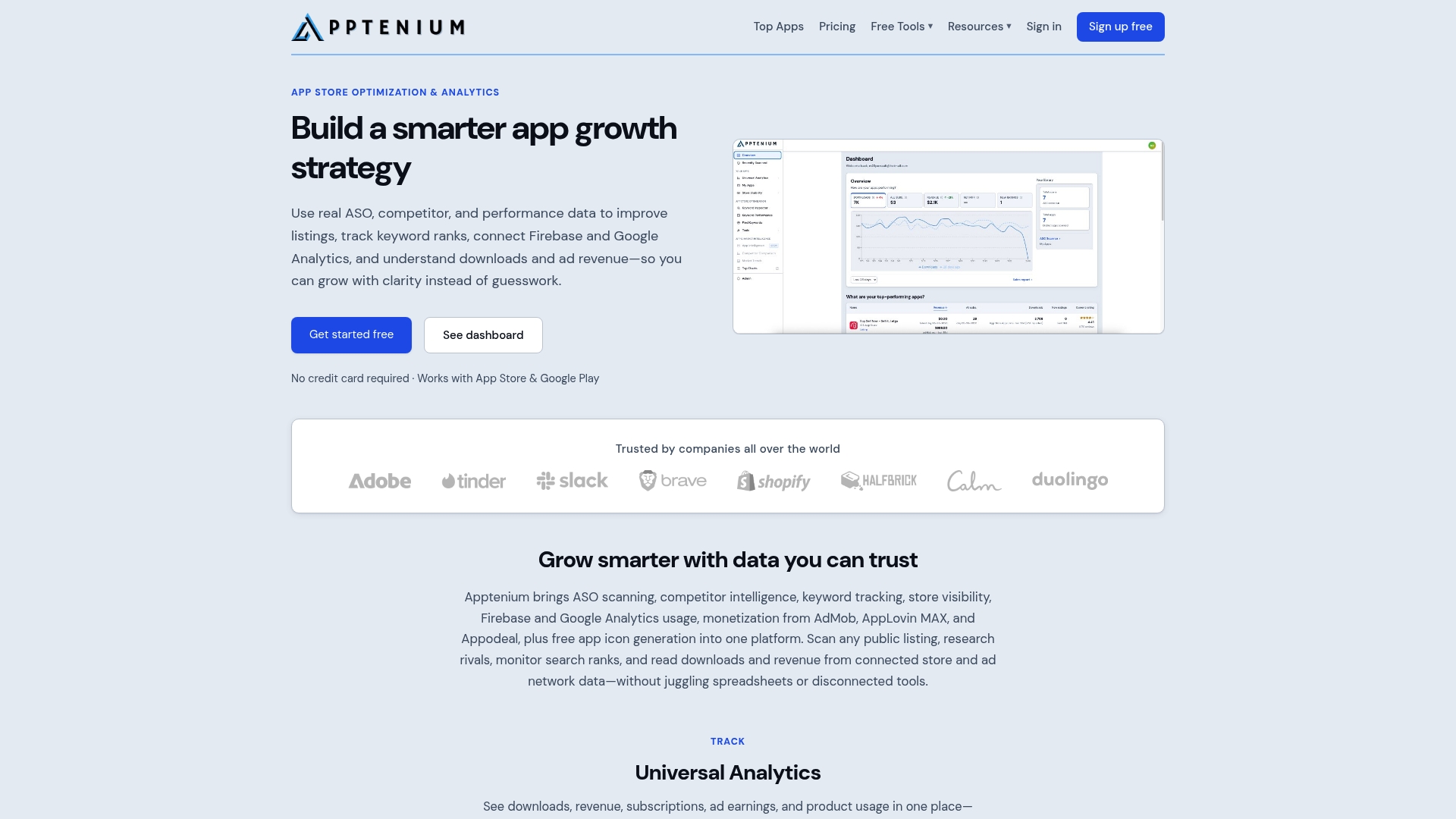
If you manage several apps, the same view helps you compare portfolios instead of stitching exports together.
Our perspective
Teams often treat SKAdNetwork as a technical chore: implement it, forward the postbacks, move on. We think that undersells the opportunity. SKAN is a narrow, delayed window on paid installs, and its value shows up when you read it next to everything else your app does in the store.
The questions that decide growth sit across those signals. Did the campaign lift organic rank for the keywords that matter? Did the listing convert the extra traffic? Did those users generate subscription or ad revenue? No single framework answers all three, and fragmented dashboards make each answer slower.
That’s why we built Apptenium around one place for ASO scanning, keyword tracking, competitor intelligence and performance data, with AI recommendations that give you copy-ready fixes after every scan. Fewer tools means fewer reconciliation arguments and more time spent improving the listing, which compounds over time.
Mike
FAQ
What does SKAdNetwork stand for?
SK stands for StoreKit, Apple’s framework for interacting with the App Store and in-app purchases. SKAdNetwork is Apple’s StoreKit-based ad network attribution system, introduced in March 2018. It measures installs from iOS ad campaigns in aggregate, without the device advertising identifier.
How long does it take to receive a SKAdNetwork postback?
The first postback arrives after a random delay of 24 to 48 hours following the end of its conversion window. The second and third postbacks in SKAdNetwork 4 can take 24 to 144 hours. Locking a conversion value early finalizes the window sooner but doesn’t remove the delivery delay.
Why are some of my postbacks missing fields?
Apple applies privacy tiers based on crowd size. At lower tiers, fields such as the fine conversion value, source app and country code can be left out, and Tier 0 receives only the first postback. Consolidating campaigns so each reaches higher volume is the usual way to unlock more detail.
Is SKAdNetwork being replaced by AdAttributionKit?
AdAttributionKit is Apple’s newer framework, with re-engagement attribution and a developer mode for testing, and it runs alongside SKAdNetwork. Advertisers can run campaigns on both during the transition, so it’s worth supporting both in your reporting.
Sources
- What Is SKAdNetwork? (AdMonsters)
- What’s new with SKAdNetwork, WWDC22 (Apple)
- Receiving ad attributions and postbacks (Apple Developer Documentation)
- Receiving postbacks in multiple conversion windows (Apple Developer Documentation)
- Configuring an advertised app (Apple Developer Documentation)
- SKAdNetwork and AdAttributionKit: What iOS Lets You Measure
- SKAdNetwork 4.0 Conversion Value Setup
- Ad Attribution, App Store (Apple Developer)
- App ad attribution overview (Apple Ads Help)
- Measuring ad performance on the App Store (Apple Ads Help)
- AI Campaign Attribution: How It Works and What to Track