Keyword Deindexing on iOS: How to Spot It and Recover

Keyword Deindexing on iOS: How to Spot It and Recover
Keyword deindexing on iOS means your app stops appearing in App Store search for a term it used to rank for. It is not a slide from position 8 to position 40. The app is gone from the results for that query. The fastest way to confirm it is to check whether many keywords flipped to “Not Ranked” at once, then audit your metadata for the usual causes: duplicated or stuffed terms, ineligible words, a changed localization, or a recent edit that has not settled yet.
This guide shows how to tell the two situations apart, why they happen, what to change, and how long to wait before you judge the result.
TL;DR
- Deindexing is a disappearance, not a decline. Keywords that ranked now show as unranked, often many at once.
- Check metadata first. Repeated words, ineligible terms, and an overwritten keyword field are the most common causes you control.
- Fix once, then wait. Rankings stay in flux after a change, so avoid stacking edits inside a four-week window.
- Each localization is separate. A loss in one storefront language does not mean the same loss everywhere.
- Monitor daily. Tracking keyword positions and competitors lets you catch a drop the week it happens.
Table of Contents
- What keyword deindexing means for an iOS app
- How to tell deindexing from a normal rank drop
- Why an iOS app loses keyword visibility
- A step-by-step recovery checklist
- How long recovery takes and how to monitor it
- Storefronts and localizations
- Our perspective
- Catch the next drop early with Apptenium
- Prevent deindexing on future releases
- FAQ
- Sources
What keyword deindexing means for an iOS app
The App Store builds its search index from the metadata you submit: your app name, subtitle, the hidden keyword field, and your category. When a term from that metadata is matched to your app, you can rank for it. When the match breaks, you are deindexed for that term: your app does not appear for the query at all, however far down you scroll.
That is different from a ranking drop. A drop means you are still in the results but lower, usually because competitors improved, conversion fell, or seasonality shifted. Deindexing is binary. You were in the index for a keyword and now you are not.
The distinction matters because the fixes differ. A rank drop calls for better creative, ratings, and conversion work. Deindexing calls for a metadata audit.

How to tell deindexing from a normal rank drop
Use three signals together. No single one is conclusive.
- The status changed to “Not Ranked.” Previously ranked keywords now return no position. One analysis of App Store changes describes the signature of deindexing as keywords turning unranked, and a sudden loss across many keywords at once.
- The loss is sudden and clustered. A competitive decline is gradual, keyword by keyword. Deindexing often hits a group of related terms on the same day, usually the day a new version or metadata set went live.
- Branded and long-tail terms behave differently. If your exact app name still ranks first but generic terms vanished, the index is likely treating your generic metadata differently, not your whole listing.
A quick triage table helps:
| Symptom | Likely situation | First action |
|---|---|---|
| Position moved from 6 to 22 over weeks | Normal rank drop | Review competitors, ratings, conversion |
| Many keywords show Not Ranked on one date | Probable deindexing | Compare metadata before and after that date |
| One keyword unranked, others stable | Single-term issue | Check whether it is still in your fields |
| Rank lost in one country only | Localization issue | Audit that storefront’s metadata |
| Rank fluctuating in the days after an update | Settling period | Wait, keep monitoring |
If you do not have historical position data, you cannot prove when the change happened. This is the main reason to track keywords continuously rather than checking by hand after something feels wrong.
Why an iOS app loses keyword visibility
Most causes trace back to your submitted metadata. Here are the ones to check, roughly in order of how often they appear.
The keyword field was edited or overwritten
The keyword field is one line per localization, limited to 100 characters, with terms separated by commas and no need for spaces. According to a summary of Apple’s keyword field rules, it also ships with your next approved app version, so a keyword change travels with a release. A rushed release with an old or truncated keyword string can quietly remove terms you were ranking for.
Words are duplicated across fields
The same summary notes that Apple already indexes your app name, subtitle, and category, so repeating those words in the keyword field wastes characters. Plurals of words you already include also count as duplicates. Spending space on repeats means fewer distinct terms in the index.
Ineligible terms are in the metadata
Trademarked terms, celebrity names, competing app names, and irrelevant terms are not allowed in the keyword field, per the same rules summary. Apple can remove keywords it considers violations, and the removal is not always announced. If a batch of terms disappears after a release, look first for anything in that list.
Generic filler took up space
Generic words such as “app” or “game,” filler words, and special characters add nothing to relevance. They crowd out terms that would. Remove them and replace them with specific phrases your audience actually types.
Localization gaps
Each localization has its own keyword field. A listing translated for one market but left empty or copied unchanged for another can look healthy in your home storefront and invisible elsewhere. Visibility is evaluated per storefront and language, so audit them one by one.
Competition and relevance shifts
Sometimes the app is not removed at all. A stronger competitor, a lower install conversion rate, or weaker engagement can push you far enough down that a tool reports you as unranked, since most trackers only look at a fixed number of results. Rule out the metadata causes first, then examine relevance signals.
A step-by-step recovery checklist
Work through these in order. Change as little as you can at each step so you know what moved the result.
- Pin down the date. Find the first day the keywords showed as unranked. Match it to a release, a metadata edit, or a store-side event.
- Diff your metadata. Compare the name, subtitle, and keyword field before and after that date, in every localization.
- Remove ineligible and duplicate terms. Cut trademarks, competitor names, repeated words, plurals of included words, and generic filler.
- Re-prioritize by value. Put the terms you most need to rank for into the name and subtitle, where they carry the most weight, and use the keyword field for supporting phrases.
- Ship one clean update. Submit a single, deliberate metadata change with your next version rather than a series of small edits.
- Monitor positions daily. Watch whether terms return to a ranked state and at what position.
- Only then evaluate. Judge the result after the settling period, not after two days.
If your recovery involves several of your own pages or listings competing for the same terms, the logic is similar to web SEO. This guide on how to fix keyword cannibalization shows the same principle of consolidating signals so one asset clearly owns a query.
Do not buy shortcuts
One write-up on App Store ranking updates advises against trusting paid keyword-rescue services and recommends relying on real users (CFANZ). Manufactured installs do not fix a metadata problem, and they put your account at risk. Better metadata and a stronger product page are the durable route.
How long recovery takes and how to monitor it
There is no official guaranteed timeline, so treat any exact promise with care. What you can rely on is the pattern: after a change, rankings move around before they settle. One guide on update cadence considers refreshing metadata or screenshots more often than every four weeks counterproductive, because rankings stay in flux for a full stabilization period.
In practice:
- Days 1 to 7: expect volatility. Keywords may appear, vanish, and reappear. Do not make further edits.
- Weeks 2 to 4: positions should start to hold. Compare against your baseline for each keyword cluster.
- After four weeks: if terms are still unranked, repeat the audit, looking for eligibility problems or a localization you missed.
What to track during the window:
- Rank for each target keyword, per storefront
- The count of keywords ranked in the top 10 and top 50
- Impressions, product page views, and install conversion rate
- Rival apps that moved up for the same terms
Watching competitors matters because a visibility loss is sometimes a gain on their side. Competitor intelligence shows which rivals are taking the positions you lost and which keywords they added.
Storefronts and localizations
App Store Connect accepts metadata in many languages, and each localization carries its own fields, as the rules summary explains. For you, that means three habits:
- Audit every localization separately. Do not assume the English keyword field applies elsewhere.
- Write for the local query. A literal translation rarely matches what users in that market search for.
- Track per country. A single global average hides a storefront where you disappeared.
Agencies and teams with several apps feel this most. A portfolio multiplies storefronts, so a spreadsheet audit becomes unreliable quickly.
Our perspective
Most deindexing stories we hear start the same way: someone notices a traffic dip two or three weeks late, then guesses. By then the release that caused it is buried in the changelog.
We built Apptenium around the idea that the fix is visibility, not luck. When ASO scanning, keyword tracking, competitor intelligence, and performance data sit in one place, you can see the day a keyword went unranked and compare it with what you shipped. You are not stitching together exports from several tools.
Our scans are designed to turn what they find into copy-ready suggestions for your listing, so the next metadata update is deliberate rather than reactive. We believe small, well-timed changes compound over time, and that tracking is what keeps them honest.
Mike
Catch the next drop early with Apptenium
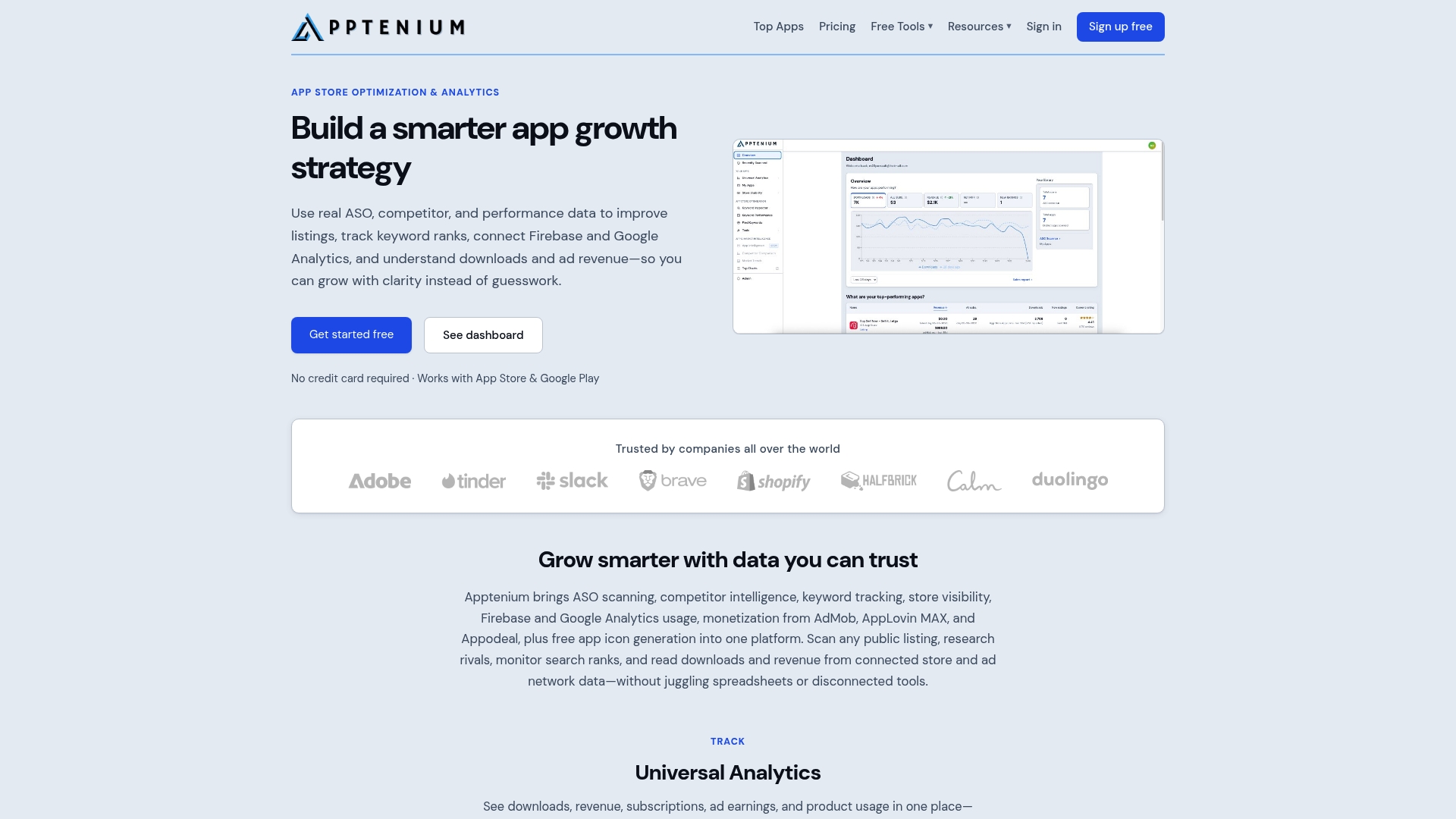
The cheapest deindexing is the one you notice in a day. Apptenium combines ASO scanning, keyword tracking and monitoring, search rank analysis, and competitor intelligence, with performance reporting for downloads, revenue, subscriptions, and ad monetization. It also connects to Firebase and Google Analytics, so you can see whether a visibility change reached installs.
The Free plan includes a limited number of scans per month, which is enough to audit a listing after a release. The Pro plan is $9.99 per month. You can compare both on the pricing page, or start with the free ASO tools to scan your metadata today.
Prevent deindexing on future releases
Prevention is mostly process:
- Keep a metadata baseline. Store the name, subtitle, and keyword field for each localization with every release.
- Pre-release check. Before submitting, scan the listing for duplicates, ineligible terms, and empty fields.
- One change at a time. Bundle edits into a single planned update and leave the four-week window alone.
- Review keyword clusters quarterly. Group related terms, drop the ones that never ranked, and add phrases your audience uses.
- Alert on sudden loss. Set a threshold, such as a share of tracked keywords turning unranked in a day, so someone looks the same week.
The broader toolkit is covered on the ASO tools overview, which explains how scanning, tracking, and reporting fit together.
FAQ
Is keyword deindexing the same as a ranking drop?
No. A ranking drop means your app is still in the results, just lower. Deindexing means it no longer appears for that keyword at all. Trackers usually show it as “Not Ranked,” often across many terms on the same date.
How long does it take to recover after fixing metadata?
There is no guaranteed timeline. Rankings stay in flux after a change, and one cadence guide suggests allowing about four weeks before editing again. Monitor daily and judge the result after that window.
Can I change only the keywords without shipping a new version?
Not on a live version. The keyword field belongs to the app version’s metadata, so a change goes out with your next approved release. Plan keyword edits as part of a release rather than as a quick patch.
Do I need to check every localization?
Yes. Each localization has its own keyword field, so one language can lose visibility while another stays healthy. Audit and track each storefront separately.