ASO for Subscription Apps: Rank, Convert, Retain

ASO for Subscription Apps: Rank, Convert, Retain
ASO for a subscription app is not a download game. It is a revenue game. You win by ranking for keywords that bring in users who start a trial, convert to paid and renew, then by measuring every listing change against paid subscribers and recurring revenue, not against installs alone. That means keyword work, listing tests and subscription analytics have to sit in one routine. Apptenium puts ASO scanning, keyword tracking, competitor intelligence and Firebase and Google Analytics data in a single platform, so the routine below does not need a stack of separate tools.
TL;DR
- Subscription ASO is judged by trials started, paid conversions and renewals, so installs are only the first number you read.
- Rankings come from text relevance (title, subtitle, keywords, category) plus user behavior, so write for both the algorithm and the person deciding whether to start a trial.
- Test one listing change at a time with the stores’ own experiment tools, and read the result against paid conversion.
- Give every keyword to one app and one listing, localize by market, and review rankings on a fixed cadence.
- Connect store rankings to subscription and ad data in one view so you can see which keywords bring subscribers who stay.
Table of Contents
- Why subscription apps need a different ASO approach
- How store search ranks your app
- Build a keyword list that reflects paying intent
- Stop your own apps competing with each other
- Make the listing convert the right users
- Localize by market, not by translation
- Measure what matters: from impressions to renewals
- Diagnose ranking and download changes
- A 90 day routine you can repeat
- Put the routine to work with Apptenium
- FAQ
- Sources
Why subscription apps need a different ASO approach
A paid-upfront or ad-supported app can treat an install as the finish line. A subscription app cannot. An install is the start of a funnel: download, onboarding, paywall, trial, first payment, renewal. A keyword that delivers a thousand curious browsers who never reach the paywall is worth less than one that delivers a hundred people searching for exactly what your app does.
That changes three things about how you work:
- Keyword selection favors intent over volume. Terms that describe the job your app does outperform generic category terms for paying users.
- Listing copy and creatives must set the right expectation about what is free, what is paid and what the trial includes, so the people who install are the people who convert.
- Measurement has to follow the user past the download. Apple’s own App Store Connect analytics reflect this: the Subscriptions section covers trials, active plans, conversions, renewals, churn and recurring revenue, not just downloads.
The retention side matters for the economics too. According to Apple, when a customer acquired on the App Store stays subscribed for more than one year, developer proceeds rise from 70% to 85% in the second year. Every keyword that brings in a subscriber who stays is worth more than its first-month revenue suggests. For a broader grounding in why store optimization pays off at all, this overview of the importance of app store optimization is a good starting point.
How store search ranks your app
Before you pick keywords, know what the algorithm reads.
On the App Store, Apple says search results are based on text relevance, meaning matches in your app’s title, subtitle, keywords and primary category, plus user behavior such as downloads, ratings and reviews. The keyword field is capped at 100 characters, with terms separated by commas and no spaces, and Apple advises against repeating words already in your name, subtitle or category.
Two practical consequences follow:
- Every character is inventory. A repeated word in the keyword field wastes space that could index a new term. Our guide on how the App Store reads your keywords walks through what gets indexed and what does not.
- Behavior is a ranking input. Downloads, ratings and reviews feed back into position. A listing that converts well, and an app that keeps users happy enough to rate it, help your rankings as well as your revenue.
Google Play works differently. It has no hidden keyword field, so the words you use in the title, short description and long description do the indexing work. Plan your copy for each store separately instead of pasting one listing into both.
Build a keyword list that reflects paying intent
Start wide, then narrow by intent. A workable process:
- Collect 50 to 100 candidates. Pull from your feature and benefit list, user interviews, your own reviews, terms you already rank for, and your competitors’ reviews and metadata.
- Add subscription-specific angles. Include terms that describe the outcome (for example, “meal planner” or “sleep tracker”) and any recurring-use phrases that match how people search when they want a tool they will keep using.
- Cluster by intent. Group terms into job-to-be-done clusters rather than a flat list. Each cluster should map to one listing element.
- Favor 2 to 4 word phrases. Short head terms are crowded and attract casual installs. Longer phrases are less contested and match specific needs. Our guide to finding and using long-tail app keywords shows how to find them, and portfolio keyword tracking with 2 to 4 word phrases shows how to follow them once chosen.
- Check for gaps. Compare your terms with what rivals rank for and find the high-intent ones you are missing. The ASO keyword gap guide covers how to find and close them.
AI suggestions can speed up the first pass, but verify them before they go live. We lay out four steps to verify AI keyword suggestions against store data. Also review the rejection risks around forbidden keywords and the rules on trademark keywords before you submit, because a rejected update delays every other change you planned.
Where each keyword goes
| Listing element | What to put there | Subscription-specific tip |
|---|---|---|
| App name | Brand plus your strongest intent phrase | Name the core job, not the price model |
| Subtitle (30 characters on iOS) | Second-strongest cluster, written as a benefit | Use it to signal outcome, which sets trial expectations |
| Keyword field (100 characters on iOS) | Remaining terms, no repeats, no spaces after commas | Reserve space for long-tail terms |
| Google Play short and long description | Natural-language copy with primary clusters repeated in context | Mention what the trial or free tier includes |
For the subtitle, see how to test and track a 30 character subtitle. For choosing and placing terms across fields, see app keyword tagging.
Stop your own apps competing with each other
If you or your agency run several apps, or several listings that overlap, your own keywords can undercut one another. Two apps targeting the same term split the signal, and neither ranks as well as one focused app would.
The fix is assignment: each term belongs to one app and one placement. Our guide to stopping keyword cannibalization across a portfolio gives a method for auditing overlaps and giving each term a single owner. Agencies managing many apps get the most from this step, because overlap grows with every app added to the portfolio.

Make the listing convert the right users
Ranking gets you impressions. Conversion turns them into trials. For subscription apps the creative has to do one more job than usual: show the value clearly enough that someone is willing to give the app a trial and, later, a card.
Test, do not guess
Both stores give you free, native experiment tools:
- Apple’s product page optimization lets you test alternative icons, screenshots and app preview videos against your original page. Apple publishes case examples, including one where the original page without a preview video beat the variant, contrary to the developer’s hypothesis. That is why testing beats instinct.
- Google Play store listing experiments let you run A/B tests on your default and custom store listings, using install and open data to compare variants.
A few rules keep tests useful:
- Change one thing per test. If you swap the icon and the first screenshot together, you will not know which did the work.
- Pick the metric before you start. For a subscription app, conversion to install is the first read, but follow cohorts through trial start and paid conversion before you roll out a winner.
- Let the test finish. Stopping early on a lucky streak is the most common way to ship a false winner.
- Log every result. A test that lost still tells you what your audience does not respond to.
What to test first
- Icon. It appears in search results, so it affects every impression. Our free tools include an app icon generator for drafting variants.
- First two screenshots. Most people never scroll further. Lead with the outcome the subscriber gets, not with a feature list.
- Paywall expectations in the copy. State plainly that the app has a trial or a free tier. Users who know what to expect churn less from surprise.
- Subtitle and short description. Test benefit-first wording against feature-first wording.
If you want copy drafted faster, our prompts for 80 and 250 character AI app descriptions give you structured starting points to edit and test.
Learn from competitor creatives
Look at how rivals present trial offers and which angles they have kept for months, because a creative that stays live usually earns its place. The competitor creative analysis guide shows how to turn one ad into a pattern, and the competitor tracking checklist sets up weekly scans so you notice changes when they happen.
Localize by market, not by translation
Subscription apps often earn most in a few markets, so localizing the listing is one of the most direct revenue levers. Localization is more than translated text. Search behavior, phrasing and expectations differ by country, so build a keyword list per market from local search habits and local competitors.
Google Play supports this directly through custom store listings, which let you tailor a listing to specific user segments. They can also be tied to campaigns with unique URLs, so your paid and ASO messaging match. That coordination matters: a user who clicks an ad promising a free trial should land on a page that repeats the promise.
A sensible order for localization:
- Rank your markets by subscription revenue, not by download count.
- Localize the title, subtitle, keywords and first screenshots in the top markets first.
- Track rankings per market, as the same phrase can rank very differently across countries.
- Reuse winning creative angles across markets, then adapt them.
Measure what matters: from impressions to renewals
This is where subscription ASO gets decided. A single report that mixes ranks, downloads and revenue is hard to build by hand, because the data sits in different places.
In App Store Connect, the analytics dashboard defines conversion rate as total downloads and pre-orders divided by unique device impressions. Its subscription widgets include Active Plans, Paid Plans, Monthly Recurring Revenue, Net Paid Plans, Plan Starts, Conversion to Paid and Churned, plus Day 1, Day 7 and Day 35 Download to Paid. Those last three are especially useful for ASO because they show how fast a download turns into a paying plan.
Build your reporting around a funnel:
| Stage | Metric | What it tells you about ASO |
|---|---|---|
| Visibility | Impressions, keyword rank, impression share | Whether your keywords reach the right searches |
| Page conversion | Product page conversion rate | Whether icon, screenshots and copy persuade |
| Activation | Trial starts per install | Whether the right users arrive |
| Monetization | Conversion to paid, MRR | Whether intent matches your offer |
| Retention | Renewals, churn | Whether the keyword brings users who stay |
It also pays to protect revenue you have already won. Apple states that its automatic billing retry gives customers 60 days to recover failed renewals, which helps prevent involuntary churn. That is worth knowing when you read churn numbers, since some of it is payment failure, not dissatisfaction.
For reporting structure, our ASO reporting metrics guide explains what to track and how to read it. If your subscription events flow through Firebase, check the Firebase subscription tracking guide first, and see how to unify app analytics into one reliable view so rankings and revenue sit side by side.
Diagnose ranking and download changes
When downloads move, work through causes in order rather than reacting to the top-line number:
- Did the listing change? Compare dates of metadata updates, creative swaps and tests against the change in impressions and conversion.
- Did keywords drop out of the index? Sudden loss of many terms points to indexing trouble. Our guide to spotting and recovering from keyword deindexing on iOS shows the signs, and the iOS keyword reset guide covers resets.
- Did a competitor move? A rival update or new creative can pull away impressions without any change on your side.
- Did conversion or rank change? Rank falling with stable conversion is a visibility problem. Stable rank with falling conversion is a listing problem.
- Did paid conversion change after install? If installs are steady but trials are not, the problem may be expectation, onboarding or the paywall rather than ASO.
How often you check matters. Daily looks create noise, and monthly looks miss problems. Our keyword tracking cadence guide recommends a rhythm, and starting with impression share gives you a steadier baseline than rank alone.
A 90 day routine you can repeat
- Weeks 1 to 2: Audit the current listing, build the keyword list, assign each term to one app and one placement.
- Weeks 3 to 4: Update title, subtitle and keywords. Record baseline rank, impression share, conversion and trial starts.
- Weeks 5 to 8: Run one creative test at a time. Read each against paid conversion, not just installs.
- Weeks 9 to 12: Roll out winners, localize the top markets, review competitor changes and plan the next cycle.
Our 90 day App Store suggestions workflow lays out this kind of cycle in more detail. The point is repetition: ASO compounds when each cycle starts from the last cycle’s data.
Our view on subscription ASO
We built Apptenium around a simple observation: the people doing ASO for subscription apps are rarely short of data. They are short of one place where the data meets. Rankings live in one tool, competitor changes in another, and subscription and ad revenue in a third. The result is a team that can tell you where a keyword ranks but not whether it brings in subscribers.
Our approach is to keep listing work, keyword tracking, competitor intelligence and monetization data together. Every scan is meant to produce copy-ready fixes, and AI recommendations are there to speed up the listing work you were going to do anyway. With Firebase, Google Analytics and ad network data connected, you can judge a keyword by what happens after the install.
For subscription apps, that is the whole game. A rank is a means. Paid, retained subscribers are the end.
Mike
Put the routine to work with Apptenium
If you want the scanning, keyword tracking and competitor monitoring from this article in one place, Apptenium has a Free plan with a limited number of scans per month and a Pro plan at $9.99 per month. Pro adds unlimited scans and premium features. You can scan your listing, track keywords and rivals, and connect Firebase and Google Analytics to read performance next to your rankings. See the plans and pricing, or start with the free ASO tools to scan a listing and draft icon ideas.
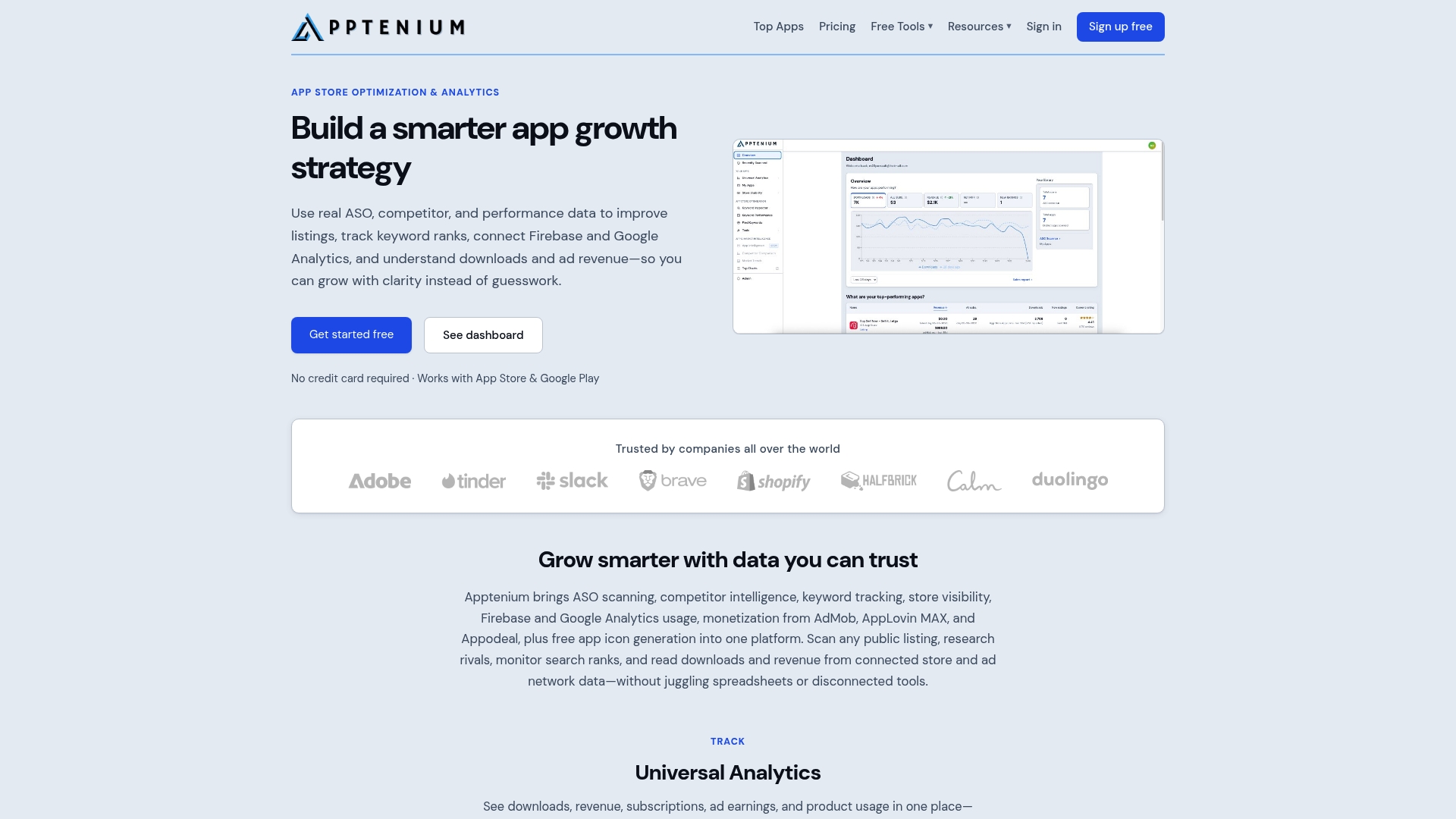
For a closer look at the platform, the ASO tools page shows how scanning and tracking fit together, and market and competitor intelligence shows how rival monitoring works.
FAQ
What makes ASO for subscription apps different from ASO for other apps?
The goal moves from installs to paying, retained subscribers. You choose keywords by intent, write listing copy that sets honest trial and pricing expectations, and judge every change by trial starts, paid conversion and renewals as well as downloads.
How many keywords should a subscription app target?
Start with a list of 50 to 100 candidates, then narrow it to the terms that match your app’s core job and fit your character limits. On iOS the keyword field is limited to 100 characters, so prioritize intent-rich phrases and give each term a single owner across your listings.
Can I A/B test my listing on both stores?
Yes. Apple offers product page optimization for testing icons, screenshots and preview videos, and Google Play offers store listing experiments for graphics and text. Test one element at a time and compare results against paid conversion before you roll out a variant.
How often should I check keyword rankings?
Use a fixed cadence rather than constant checking. Daily rank movement is mostly noise, so a regular review paired with impression share and conversion data gives a clearer picture of what your changes did.
Sources
- App Store search, Apple Developer
- Analytics dashboard overview, App Store Connect Help
- Improve your subscriber retention with App Store features, Apple Tech Talks
- Product Page Optimization, Apple Developer
- Run A/B tests on your store listing, Play Console Help
- Create custom store listings, Play Console Help
- The Importance of App Store Optimization